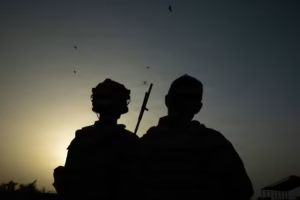
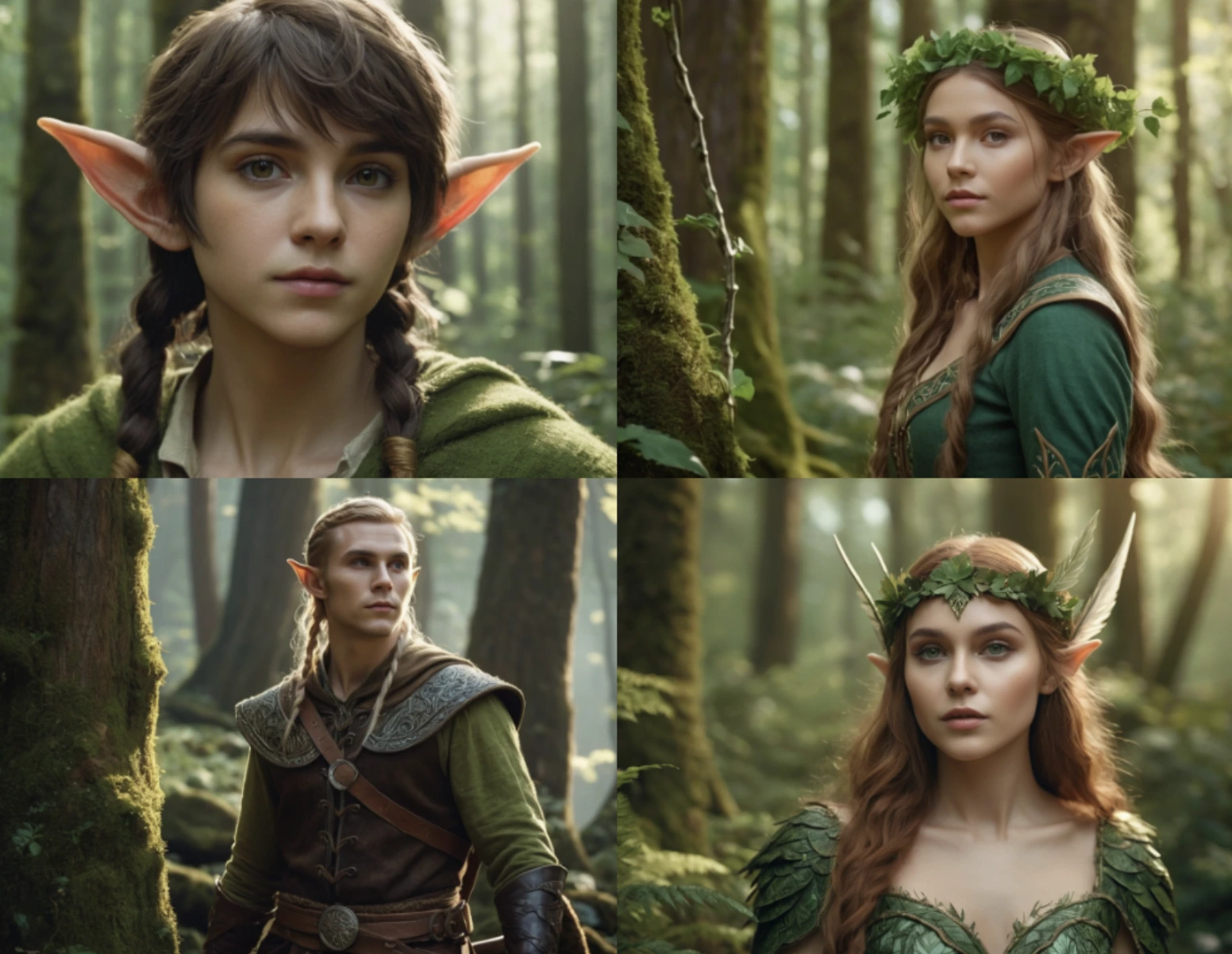
🔗 Project Link: image generator software
Run Fooocus AI Image Generator Locally on Mac (VS Code Guide)
Fooocus is a free, open-source AI image generator based on Stable Diffusion XL. Runs 100% on your machine — no subscriptions, no limits, no watermarks.
Step 1 — Download & Extract Download the project zip and extract it to your Desktop.
Step 2 — Open in VS Code File → Open Folder → select the Fooocus-main folder.
Step 3 — Install Homebrew Open the terminal (Ctrl+“ “) and run:
/bin/bash -c “$(curl -fsSL https://raw.githubusercontent.com/Homebrew/install/HEAD/install.sh)”
Then add it to PATH:
echo >> /Users/$(whoami)/.zprofile
echo ‘eval “$(/opt/homebrew/bin/brew shellenv zsh)”‘ >> /Users/$(whoami)/.zprofile
eval “$(/opt/homebrew/bin/brew shellenv zsh)”
Step 4 — Install pyenv & Python 3.11
brew install pyenv xz
pyenv install 3.11.15
Step 5 — Create Virtual Environment
export PATH=”$HOME/.pyenv/bin:$PATH”
eval “$(pyenv init -)”
rm -rf venv
~/.pyenv/versions/3.11.15/bin/python3 -m venv venv
source venv/bin/activate
Step 6 — Install Dependencies
pip install -r requirements_versions.txt –prefer-binary
pip install torch torchvision torchaudio
Step 7 — Fix Compatibility Issues
pip install gradio==3.41.2 –force-reinstall
pip install huggingface-hub==0.23.2 –force-reinstall
pip install jinja2==3.1.2 markupsafe==2.1.1 starlette==0.27.0 –force-reinstall
pip install fastapi==0.95.2 starlette==0.27.0 –force-reinstall
Step 8 — Launch Fooocus
python launch.py
Step 9 — Open in Browser Go to: http://127.0.0.1:7865
Step 10 — Generate Images
- Type your prompt in the text box
- Click Generate
- For faster results: click Advanced → set Steps to 15, Images to 1
Tips:
- Generation takes 10–15 min on Mac CPU — lower steps for speed
- All images saved locally on your machine
- Completely free, unlimited images forever